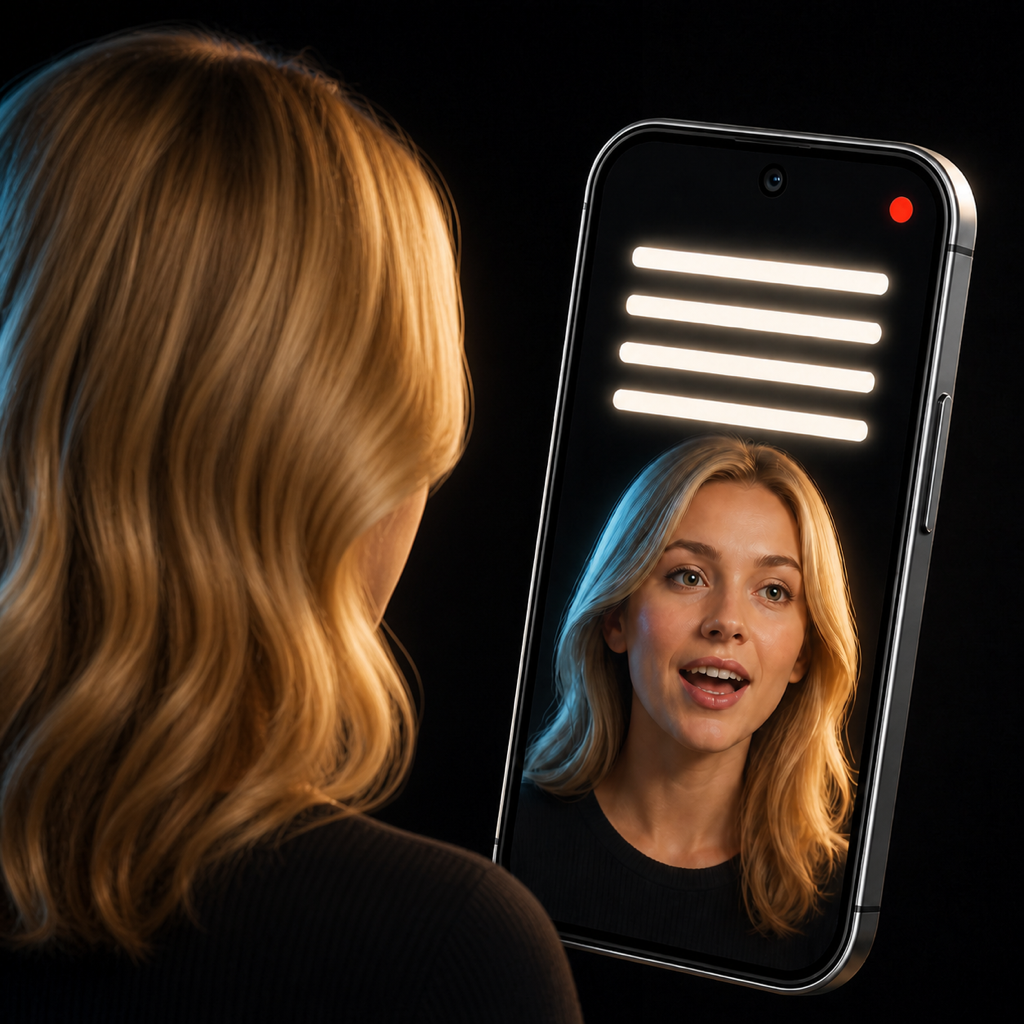
How can we help?
Contact AppSweat
For feature requests, bug reports, subscription questions, or privacy requests, email us. We usually have everything we need when you include your device, app version, and a short description of what happened.
Email TeleGaze SupportRecording or permission problems
- Confirm that Camera and Microphone access are enabled in your device settings.
- If gallery export fails, allow TeleGaze to add media to your photo library.
- Make sure your device has enough free storage for a new recording.
- Close and reopen TeleGaze after changing system permissions.
Scripts and local recordings
Scripts and recordings are stored locally. If you delete a local item or uninstall the app, it may not be recoverable. Export important finished videos to your photo library or another backup location.
AI eye-contact processing
AI processing requires a stable internet connection and uploads the selected video to an external processing service. Processing time varies with video length and service availability. If a job fails, keep the original recording, check your connection, and try again later.
TeleGaze Pro and purchases
- Use Restore Purchases in TeleGaze after reinstalling or moving to another device with the same store account.
- Manage or cancel subscriptions in your Apple App Store or Google Play account settings.
- Refund decisions are made by Apple or Google.
- Never email full payment-card details.
Helpful details to include
- Device model and operating-system version.
- TeleGaze app version and app language.
- The feature you were using and the steps you took.
- What you expected and what happened instead.
- A screenshot or screen recording, if it does not expose private content.
Privacy requests
For questions about support communications or TeleGaze privacy, email appsweatmobile@gmail.com with “TeleGaze Privacy Request” in the subject.