Calculator app lock for your private media
A calculator lock app that keeps private photos out of sight
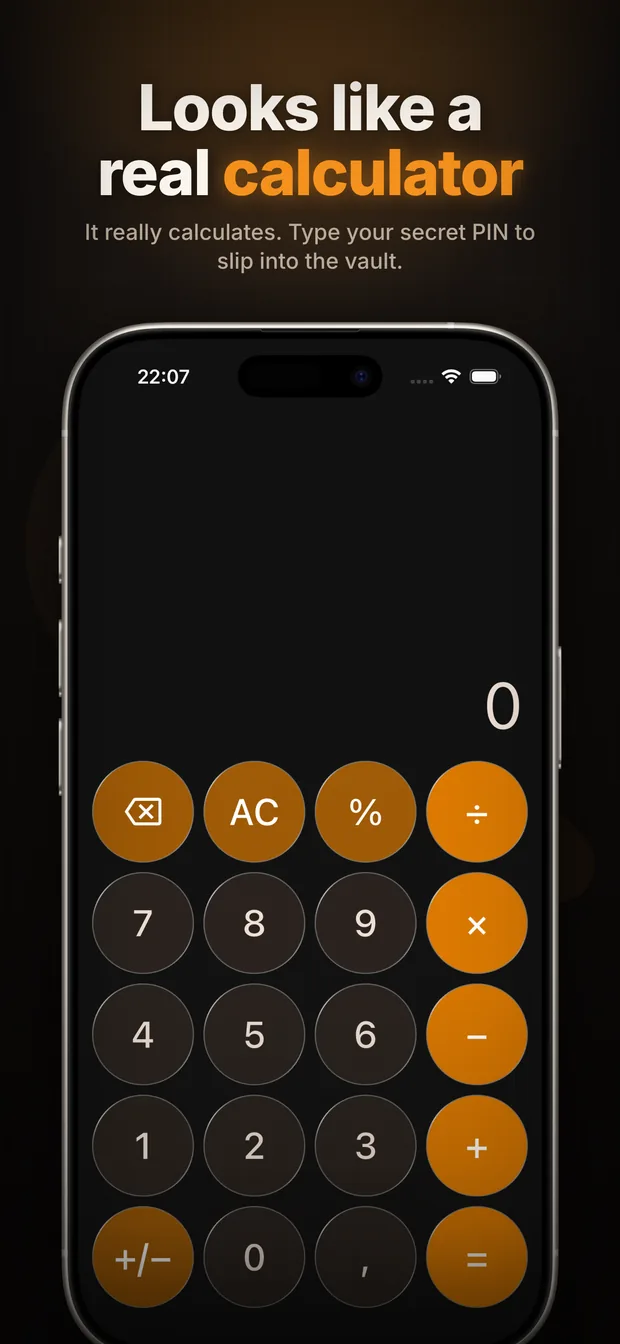
Calculator Vault looks and works like a normal calculator. Enter your PIN on the keypad and press equals to open a private vault for photos, videos and files.


How the calculator lock works
- Open the calculator. The keypad performs ordinary calculations and does not display a separate vault button.
- Enter your PIN. Type your secret code and press equals.
- Open the vault. The correct PIN unlocks your private photo, video and file library. Supported devices can also use Face ID, Touch ID or fingerprint after setup.
What it locks—and what it does not
Calculator Vault protects the content you import into its own private app storage. It is useful for personal photos, videos, documents and screenshots that you do not want visible while someone browses your normal gallery.
PIN, biometrics and recovery
Your PIN is stored as a salted one-way hash, not as readable text. When biometric unlock is enabled, your phone’s operating system performs the Face ID, Touch ID or fingerprint check. Recovery uses the security questions or recovery code you set up on your device; there is no remote account password for us to reset.
Why use a calculator instead of a visible lock app?
A conventional photo lock app can secure its contents, but its name and icon announce that a private folder exists. A working calculator is less conspicuous when another person uses your phone. The disguise reduces casual attention; it should not be treated as protection against forensic examination or someone who already knows the app is installed.
Get the official calculator lock app
Download Calculator Vault from the App Store or Google Play. Avoid unofficial APK and mod APK downloads.
Calculator lock questions
What is a calculator lock app?
It is an app that works as a calculator but opens a private storage area after the correct PIN is entered on the keypad.
Does Calculator Vault lock other apps?
No. It protects photos, videos and files stored inside its vault. It does not hide or lock other apps installed on your phone.
Can I unlock it with Face ID or fingerprint?
Yes, when biometric authentication is available and enabled on your device. Your operating system handles the biometric check.